Self Study #2 - Character, Rigging, Animation
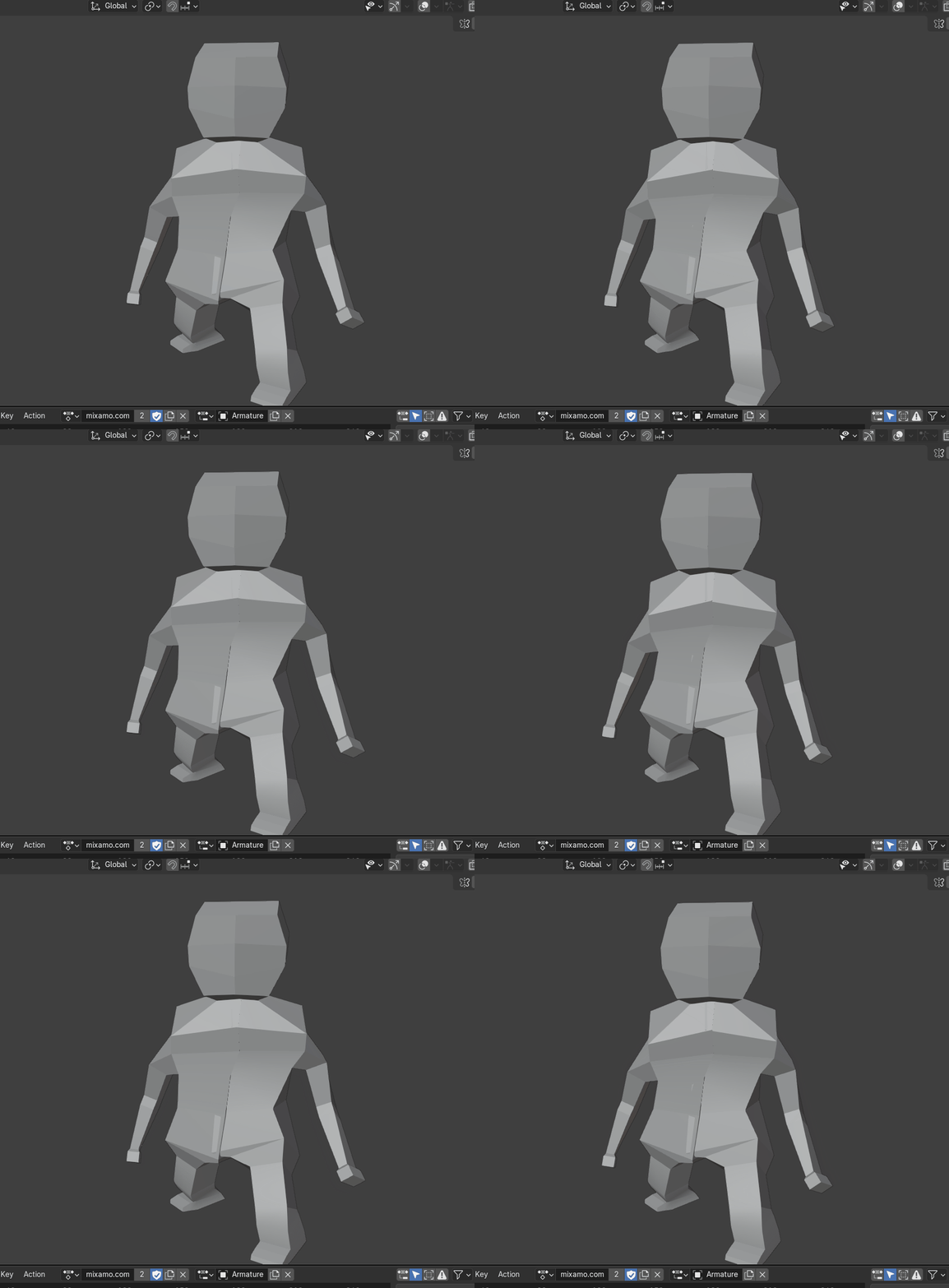
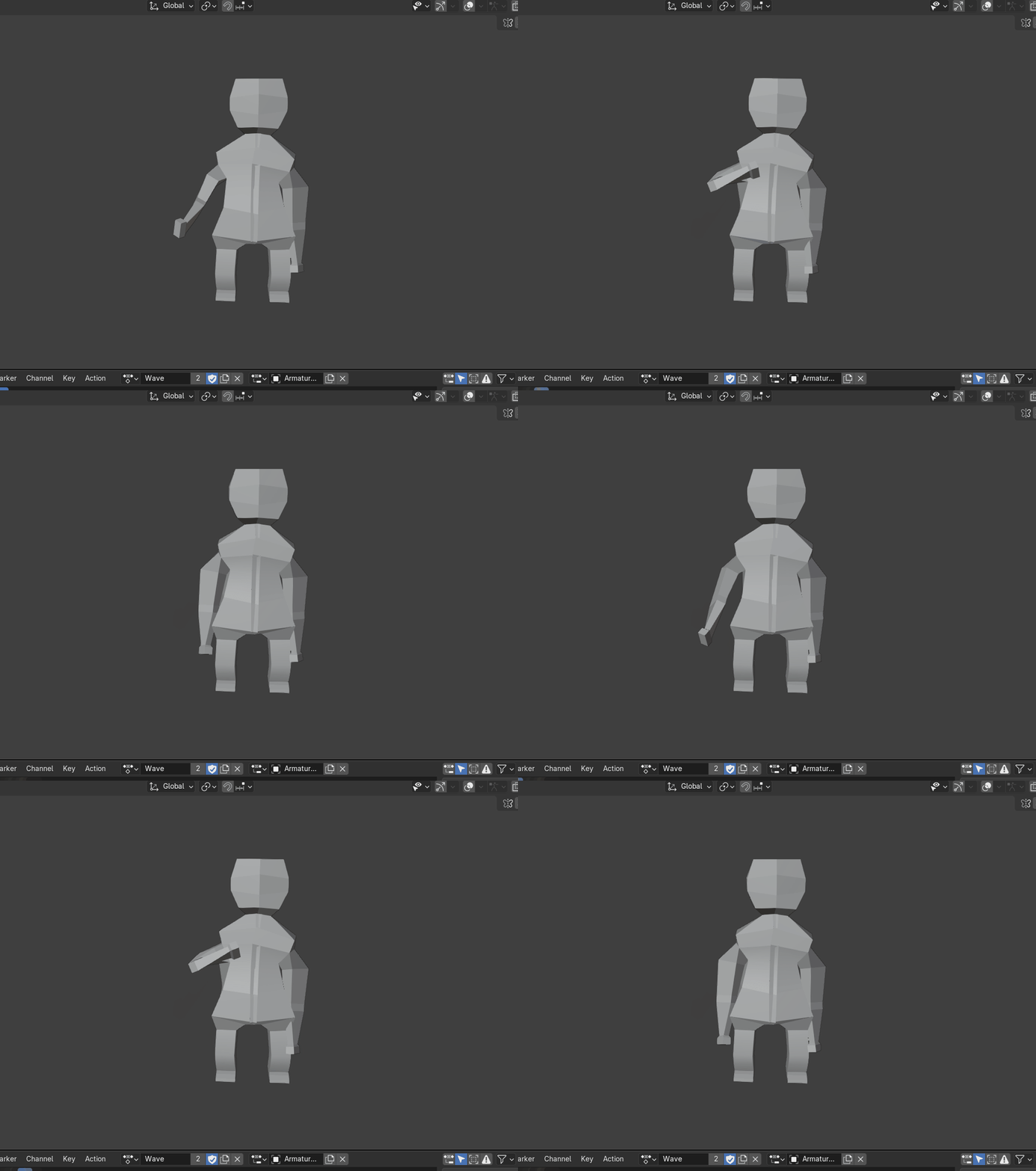
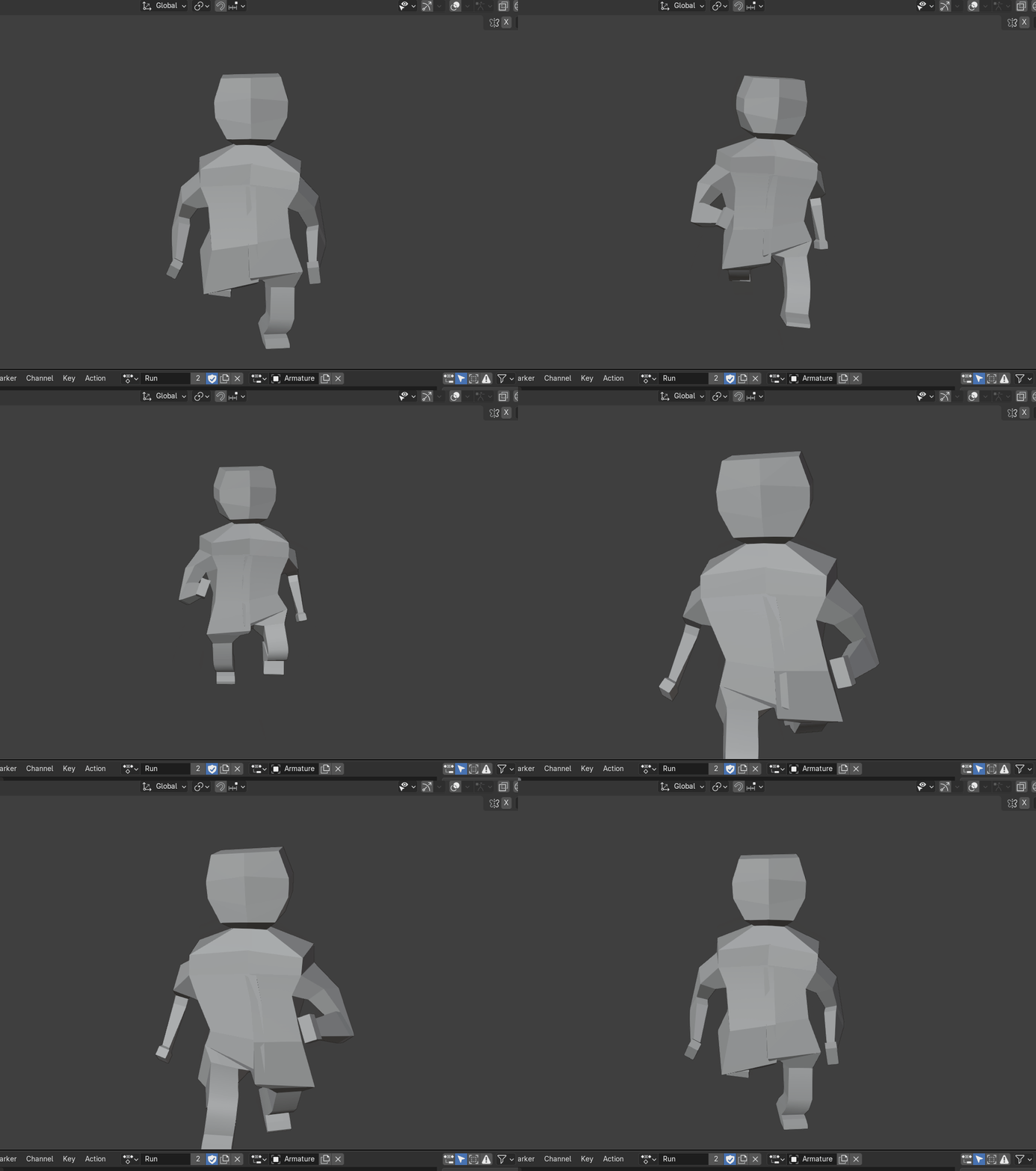
For this self study I had a go at creating a cartoon type human character, using these tutorials from Imphenzia as a guide https://www.youtube.com/watch?v=eBOcbYHexAM, youtube.com/watch?v=XkiWBSSuxLw and youtube.com/watch?v=yjjLD3h3yRc
Basic Character:
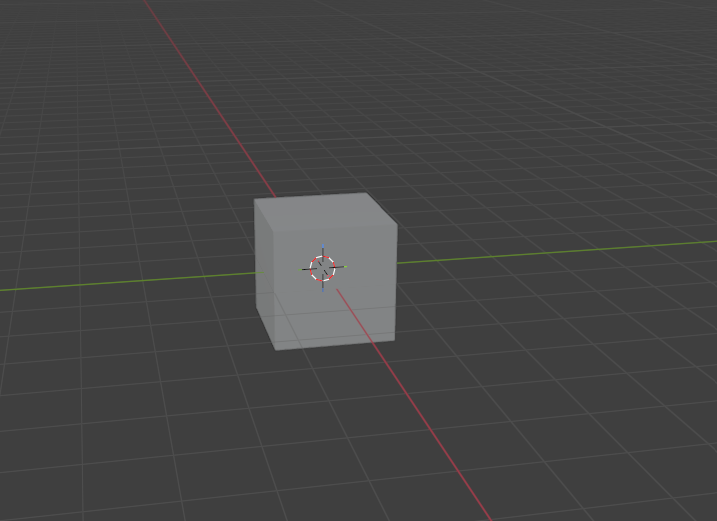
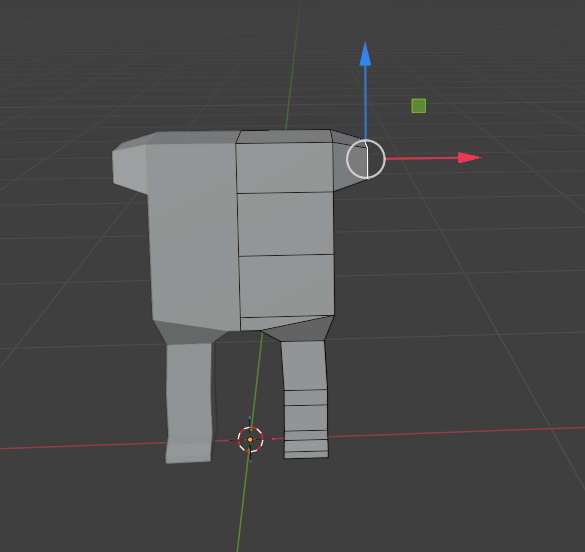
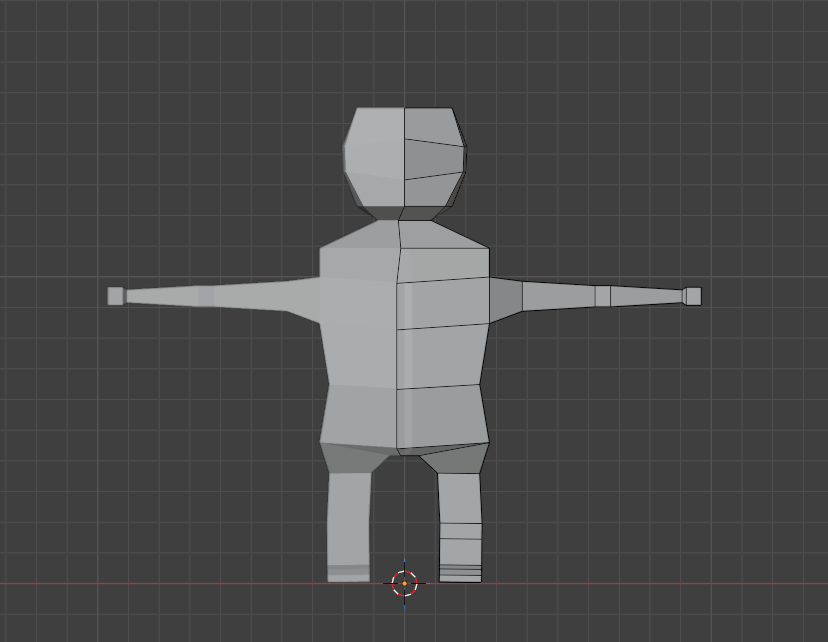
I had two goes at this. I decided to start all over again because I did a terrible job on my first attempt and couldn't figure out how to fix the rigging and animations so I started from scratch. Starting with a basic cube, I transformed the cube into a torso by moving, scaling, and rotating faces/vertices/edges. Arms and legs were created by making loop cuts and further transforms, and slowly, over quite a while, it somehow turned into something resembling a cartoony human. With a very big head!
Rigging:
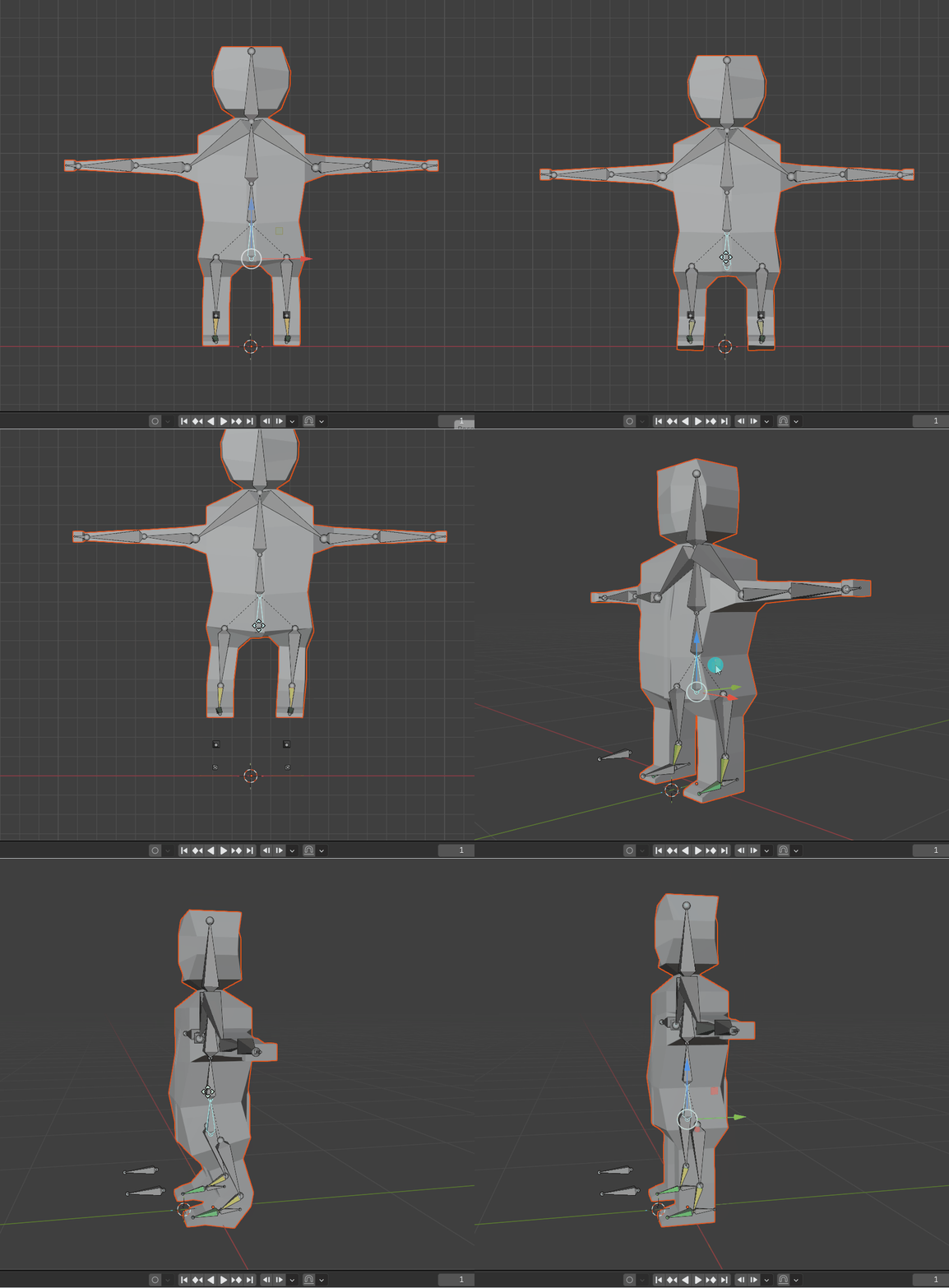
Once I had the basic character done, it's time to learn rigging. After watching a few different tutorials, I used Imphenzia's tutorial to help me attempt this. Following along by adding armature bones, which I had some major issues with the first attempt they just would not sit/fit in right.
Animations:
Again follow Imphenzia's third tutorial on animation (as you can see I found his videos very helpful) I moved over to the Animation tab and started with making the Idle, waving and running animation. The ideal one was pretty basic, and just involved turning on Auto-Keying, moving the torso armature/bone down a little and moving the arms just a little bit. It sounds simple but probably took me a lot longer than it should have. Making the wave and running one was basically the same process but a lot more time consuming and difficult.
Overall I'm happy with this animation as it's my first attempt at doing these.
Get UTAS KIT207 Portfolio
UTAS KIT207 Portfolio
| Status | Prototype |
| Category | Other |
| Author | danrichard |
More posts
- Tut #2 - Character, Rigging, Animation1 day ago
- Barrel15 days ago